
Editor’s Note: Updated October 2026, refreshed intro and FAQ for clarity. First published October 2026. Evidence: Research review, a plain-English explainer written from official product documentation and current plans.
Plain-English Verdict: A password manager is a vault with one key: it stores a unique, strong password for every site you use, and you only have to remember one master password. It’s safer than your memory, your browser’s saved passwords, and definitely the notebook by the computer. Setup takes about ten minutes, and the best free option — Bitwarden, costs nothing.
What we actually did: We read the current documentation and plans for the major password managers and wrote the explanation we’d give a friend over coffee. Nothing here claims hands-on testing — this is a “what is it” piece, not a trial. And as always: no affiliate links; we earn nothing if you sign up for anything here.
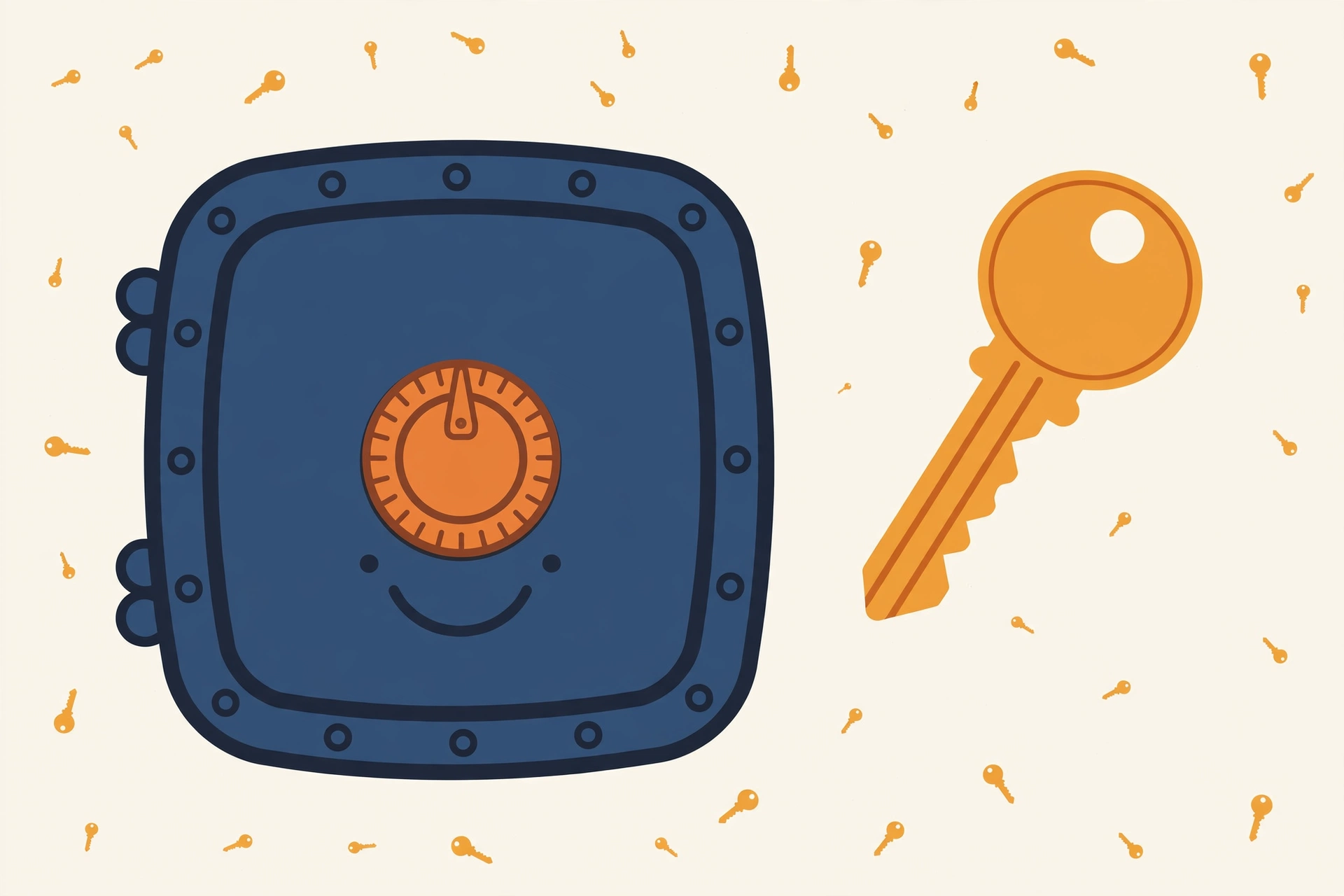
In a sentence: a password manager is an app that stores all your passwords in one encrypted vault. It works like this: you remember one master password, and the app creates, saves, and fills in a strong, unique password for every account, so you never have to reuse one.
Why bother? The average person now has 100+ online accounts (via a 2026 Medium comparison of password managers), and nobody remembers 100 unique passwords, so we reuse the same three or four everywhere. Then one website gets breached, the combo leaks, and strangers try it on your bank, your email, everything. A password manager breaks that chain: with unique passwords everywhere, one breach stops being a skeleton key to your whole life.
How it works (the 30-second version)
You remember one strong master password. The app remembers the rest.
Behind the scenes, your passwords are scrambled with bank-grade encryption (AES-256) before they’re stored or synced, and the company holding your vault literally cannot read them. That approach is called zero-knowledge: even the vendor doesn’t know your master password. Then the app does the chores: it creates passwords like k7#vQ9!mP2@xL, saves them when you sign up for things, and fills them in when you log back in (via Security.org’s password-manager guide).
The auto-fill part is secretly the best security feature: on a fake lookalike site, amaz0n.com with a zero, the manager won’t fill in your Amazon password, because it doesn’t recognize the address. Phishing protection you never have to think about.
Jargon Decoder: “Zero-knowledge” just means: the company keeps your passwords in a locked box it can’t open. Even if their servers were seized, all anyone gets is scrambled gibberish — only your master password unscrambles it.
Setup takes ten minutes
Install the app, create your master password, and import whatever your browser has saved, every major manager walks you through it. Then just let the app generate new passwords as you log into things over the next few days. Our step-by-step guide covers the whole thing (spoiler: it doesn’t take an afternoon).
What it costs (usually: nothing)
Bitwarden is free forever, unlimited passwords, unlimited devices, syncing, a password generator, and passkey support at $0 (via MakeUseOf). 1Password ($36/year) is the polished alternative. Your phone’s built-in option (Apple Passwords, Google Password Manager) works as a start, though dedicated apps sync better across different device brands.
We compared the top picks in 1Password vs. Bitwarden and ranked family plans here.
The honest limitations
Two things to know. First, the master password is the one thing you cannot lose, forget it with no recovery set up and your vault is gone (the price of zero-knowledge). Write it on paper somewhere safe until it’s in your memory. Second, pick a manager with a clean security record: LastPass’s 2022 breach exposed customers’ encrypted vault data (via SmashingApps’ 2026 comparison). Bitwarden and 1Password both have clean records.
Want a stronger password right now? Our free Passphrase Generator creates one you can actually remember, no signup, nothing leaves your browser.
The bottom line
A password manager turns 100 passwords you can’t remember into one you can. It’s the single biggest security upgrade a normal person can make, it takes ten minutes, and it can cost nothing. Your next step: install one today and let it change a single reused password this week. The vault builds itself from there.
FAQ
How is a password manager safer than my browser’s saved passwords? Dedicated managers encrypt everything behind a master password only you know, work across all browsers and devices, and warn you about reused or breached passwords. Browser storage is convenient but weaker and stuck in one browser.
Are password managers safe? Yes. With zero-knowledge design, the company’s servers hold only encrypted data that nobody there can read, and your master password never leaves your device. Even if hackers stole the company’s files, they would get scrambled data they cannot open.
Do I really need unique passwords for everything? Yes, that’s the whole point. When your email-plus-password leaks from one site, attackers try it on dozens of others automatically. Unique passwords turn a breach of one site into a non-event.
How does a password manager work? You sign in with one master password, and the app unlocks your encrypted vault. When you visit a site, it fills in the right password for you, and when you join a new site, it creates and saves a strong password automatically.
What happens if I forget my master password? With most managers, the company cannot reset it for you, because it never sees your master password. You would need a recovery key or another recovery method you set up earlier, or start a new vault, so write your master password down and keep it somewhere safe at home.
Method: Research review (no hands-on testing). Cross-checked against official product documentation, current free-tier plans, Security.org, MakeUseOf, and G2 Learn. Checked October 2026.
Corrections: Spotted an error? Tell us — we fix mistakes publicly and date them.
Prices: US list prices; verify before buying.
Source: Security.org’s password-manager explainer, checked October 2026.


4 thoughts on “What Is a Password Manager, Actually?”