
Here’s what it does in one sentence
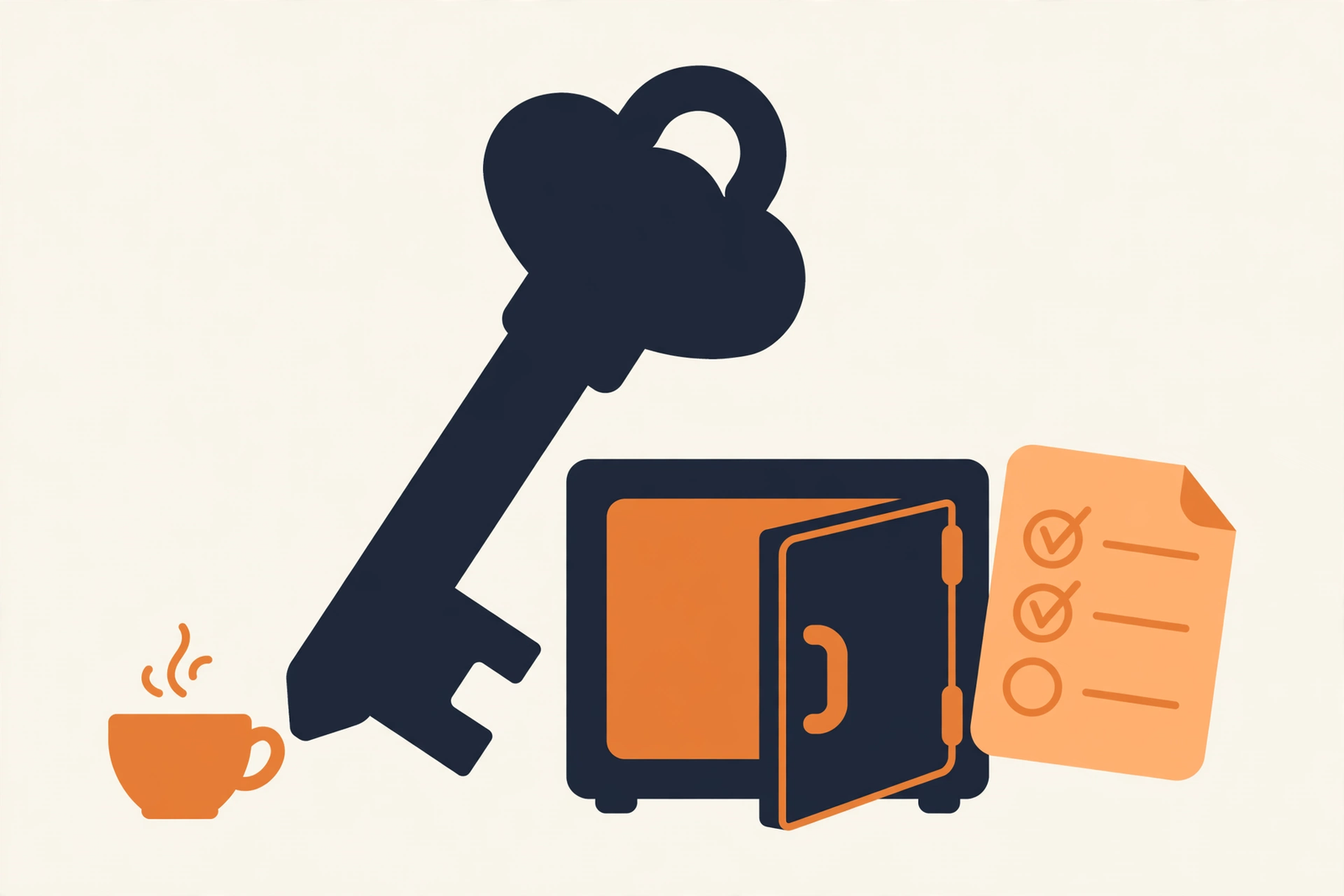
A password manager remembers all your passwords so you don’t have to — you memorize one strong “master password,” and it handles the other two hundred.
Plain-English Verdict: Install a manager on your phone and computer, then spend one afternoon moving your most important accounts into it. Start with email and banking — those two control everything else. By dinnertime, your most hackable accounts will have unique, unguessable passwords, and you’ll only have to remember one.
Before you start (10 minutes)
Evidence: Research review, these steps are based on the documented setup flows of the major password managers as of October 2026. We didn’t create a test account, so this is a guide, not a hands-on trial. No affiliate links here.
Haven’t picked a manager yet? Our 1Password vs. Bitwarden comparison walks through the choice, but honestly, any of the major ones works for this plan, and so does the free one built into your phone.
Jargon Decoder: “Zero-knowledge” encryption means the company scrambles your passwords in a way that even the company itself can’t unscramble, your master password never leaves your device. It’s why you can’t call customer support to recover a forgotten master password: they genuinely can’t help, that’s the whole point of the encryption.
The 5-step Saturday plan
| Step | What you do | Time |
|---|---|---|
| 1 | Install the manager on your phone, computer, and browser | 10 min |
| 2 | Create your account and one strong master password | 15 min |
| 3 | Import the passwords your browser already saved | 10 min |
| 4 | Change your email and banking passwords first | 45 min |
| 5 | Turn on two-factor authentication everywhere it matters | 40 min |
Step 1: Install it everywhere (10 min)
Download the manager’s app on your phone, install the browser extension on your computer, and sign in on both. If the manager isn’t where you are when a login screen appears, you’ll fall back to the old passwords within a week. Turn on autofill when your phone offers it, it’s the feature that makes logging in faster than typing.
Step 2: One strong master password (15 min)
This is the only password you will ever memorize again, so make it count: four or five random words strung together, like correct-horse-battery-staple (but not that one, pick your own). Write it on paper and store it somewhere safe, a drawer, a safe, anywhere but a note on your computer. If you forget it, nobody at the company can recover it.
Step 3: Import what your browser saved (10 min)
Your browser has been collecting passwords for years, probably. Every major password manager has an import button that pulls them all in at once — from Chrome, Safari, Edge, or Firefox. Let it; you’ll clean them up later.
Step 4: Email and banking first (45 min)
Generate a brand-new password for your email with the manager’s built-in generator, long, random, unguessable. Save it, log out, log back in with autofill. Then do the same for your bank, your credit cards, and any account tied to money. These matter most because a hacked email account lets an attacker reset everything else. You don’t have to change all two hundred today, just the ones that would ruin your week.
Step 5: Two-factor on the big ones (40 min)
While you’re at it, turn on two-factor authentication on email and banking. It’s the second lock on the door: even if someone steals your password, they’d need a code from your phone too.
Prompt Station, this week’s copyable prompt. Not sure which accounts to move first? Paste this into your AI assistant:
Help me build a prioritized list of which of my online accounts to move into my new password manager first, ranked by how bad it would be if each one got hacked. My accounts are roughly: [list your main ones, email, banking, shopping, social media]. Ask me up to 5 clarifying questions before you answer, then give me a numbered list of the first 15 to secure, in order.
Keep any old password list for two weeks as a backup, then shred it, the old list becomes a liability the moment the new system is working.
FAQ
Is a password manager really safer than my notebook?
Yes, for most people. A notebook can’t be hacked remotely, but it can’t generate unique passwords either — and reused passwords are what get stolen in data breaches.
What if I forget my master password?
You can’t get it back, that’s the trade-off of zero-knowledge encryption. Write it on paper and store it safely (step 2). Some managers also offer emergency access for a trusted person, worth setting up once you’re settled.
Do I need the paid version?
Almost certainly not, at least to start. Bitwarden’s free tier covers everything in this guide. Pay only when you want extras like family sharing or vault health reports, our password manager comparison breaks down when paid tiers make sense.
Sources
This is a guide built from documented setup flows, not a hands-on trial. No affiliate links. Read our methodology for how we research tools.
Editor’s Note: First published October 2026.
Want one plain-English software take in your inbox every week? Subscribe to The Plain Manual newsletter, no spam, unsubscribe anytime.

6 thoughts on “How to Set Up a Password Manager in One Afternoon”