
Here’s what it does in one sentence
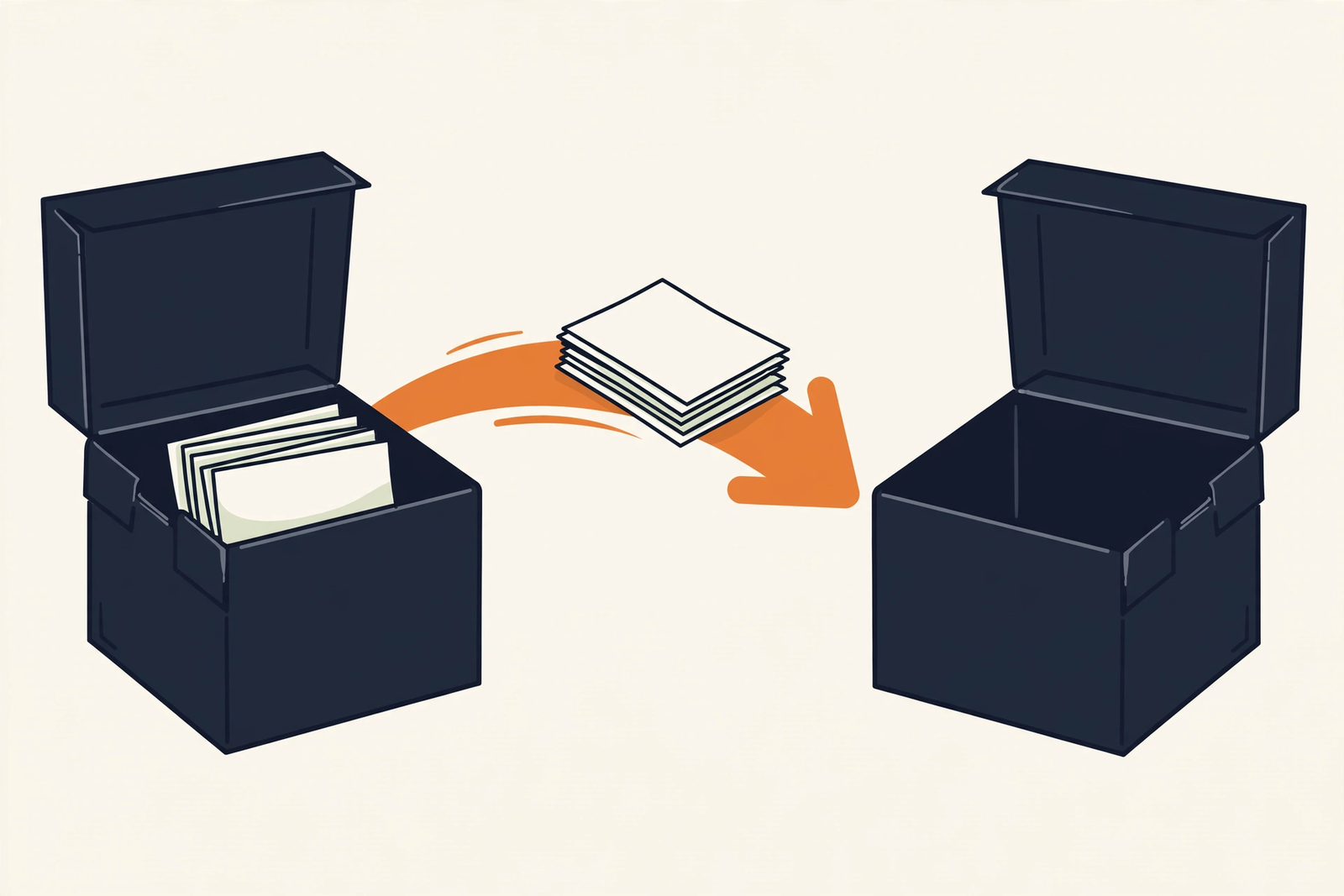
Notion has a built-in importer that pulls your Evernote notebooks straight in — you connect the two accounts, pick your notebooks, and Notion does the heavy lifting while you make coffee.
Plain-English Verdict: Don’t export anything by hand — Notion’s official importer pulls your notebooks straight from your Evernote account. It takes about 30 minutes of your time (plus waiting while it imports). Budget 30 more minutes for cleanup, because images and dates sometimes arrive scrambled. Let’s do this together.
Before you start (5 minutes)
Evidence: Research review, these steps follow Notion’s and Evernote’s official documented import and export flows as of October 2026. We didn’t run a live migration for this guide, so treat it as a walkthrough of the official process, not a hands-on trial. No affiliate links here.
You’ll need: a Notion account (the free plan works), your Evernote login, and the Evernote desktop app on a Mac or Windows computer, exports don’t work from Evernote’s website, and that’s the part everyone misses. Still deciding? Our What Is Notion, Actually? guide is the two-minute version.
Jargon Decoder: “ENEX” is Evernote’s export file format, one file holding a batch of your notes, like a moving box with a label. You probably won’t need it for this move (Notion connects to Evernote directly), but it’s your backup plan if anything goes sideways.
The 4-step move
| Step | What you do | Time |
|---|---|---|
| 1 | Optional safety net: export your Evernote notebooks as ENEX files | 10 min |
| 2 | Open Notion’s importer and connect your Evernote account | 5 min |
| 3 | Pick your notebooks and start the import | 5 min + waiting |
| 4 | Check the results and clean up what the importer fumbled | 30 min |
Step 1: Make a safety copy first (10 min)
Open the Evernote desktop app, right-click a notebook, and choose Export → ENEX, up to 100 notes at a time, or whole notebooks at once. Save the files to a desktop folder. Good news: Evernote’s own docs confirm free users can export everything. Pure insurance; if the import goes perfectly, you’ll never open these.
Step 2: Open Notion’s importer (5 min)
In Notion, on desktop or in your web browser, not the mobile app, go to Settings → Import → Third party imports → Evernote. (Shortcut: type /evernote on any Notion page.) Sign in to Evernote when asked and authorize the connection. You’re already past the hard part.
Step 3: Pick notebooks and press go (5 min + waiting)
Check the boxes next to the notebooks you want to move, choose where they should land (your private space is the safe default), and hit Import. Now you wait. Straight from Notion’s docs: the importer handles about 5,000 notes reliably, there is no progress bar, and Evernote’s rate limits can slow things down. Quick check: if nothing new appears for 3 straight hours, something is stuck, try smaller batches.
Step 4: Inspect and tidy up (30 min)
Your notebooks now appear as pages in Notion’s sidebar, notes inside them as a list. Before you celebrate, run this cleanup list, the exact things Notion’s own docs warn about:
- Images: some may not render correctly. Open your most image-heavy notes and re-attach anything broken.
- Dates: if created/updated dates look wrong, that’s expected, add a Date property in Notion afterward if the dates matter to you.
- Formatting: fancy formatting (custom fonts, special alignment) may arrive simplified. Skim your most important notes.
- Tags: spot-check that tags came through on a few notes.
One hard limit to know: content from Evernote Teams (shared business workspaces) does not import at all, that’s personal notebooks only.
Prompt Station, this week’s copyable prompt. Now that your notes live in Notion, put them to work. Paste this into your AI assistant:
I just moved years of notes from Evernote into Notion and they're a mess, old meeting notes, random ideas, saved articles, all mixed together. Help me design a simple Notion organization system: suggest 4-6 top-level categories, what to name them, and a 15-minute triage routine I can do weekly to keep it tidy. Ask me up to 5 questions about what kinds of notes I keep before you answer.
What to do next
Keep Evernote installed for two weeks as a safety net, don’t delete anything until every important note made the trip. Then get oriented: our Notion vs. Obsidian comparison explains what Notion is genuinely good at (and where it isn’t).
FAQ
Do I need a paid Notion plan to import from Evernote?
No. The importer works on Notion’s free plan, importing doesn’t require any subscription on either side.
Can I import using an ENEX file instead?
Notion’s importer connects to your Evernote account directly; it doesn’t accept ENEX file uploads. The ENEX export in step 1 is purely your backup copy.
Will my notebooks keep their structure?
Mostly. Notebooks become pages in your sidebar and notes become items in a list database inside them. Tags and attachments usually survive, but skim the cleanup list in step 4 for the known rough edges.
How long does the import take?
A few hundred notes: minutes. A few thousand: potentially hours, thanks to Evernote’s rate limits. Start it when you don’t need to watch it.
Sources
This guide follows the documented flows in Notion’s Import data into Notion help article and Evernote’s ENEX export guide, both current as of October 2026. We didn’t run a live migration, so this is a guide, not a hands-on trial. No affiliate links. Read our methodology for how we research tools.
Editor’s Note: First published October 2026.
Want one plain-English software take in your inbox every week? Subscribe to The Plain Manual newsletter, no spam, unsubscribe anytime.





1 thought on “How to Move Your Notes from Evernote to Notion”