How to Write Better Prompts (a Plain-English Guide)
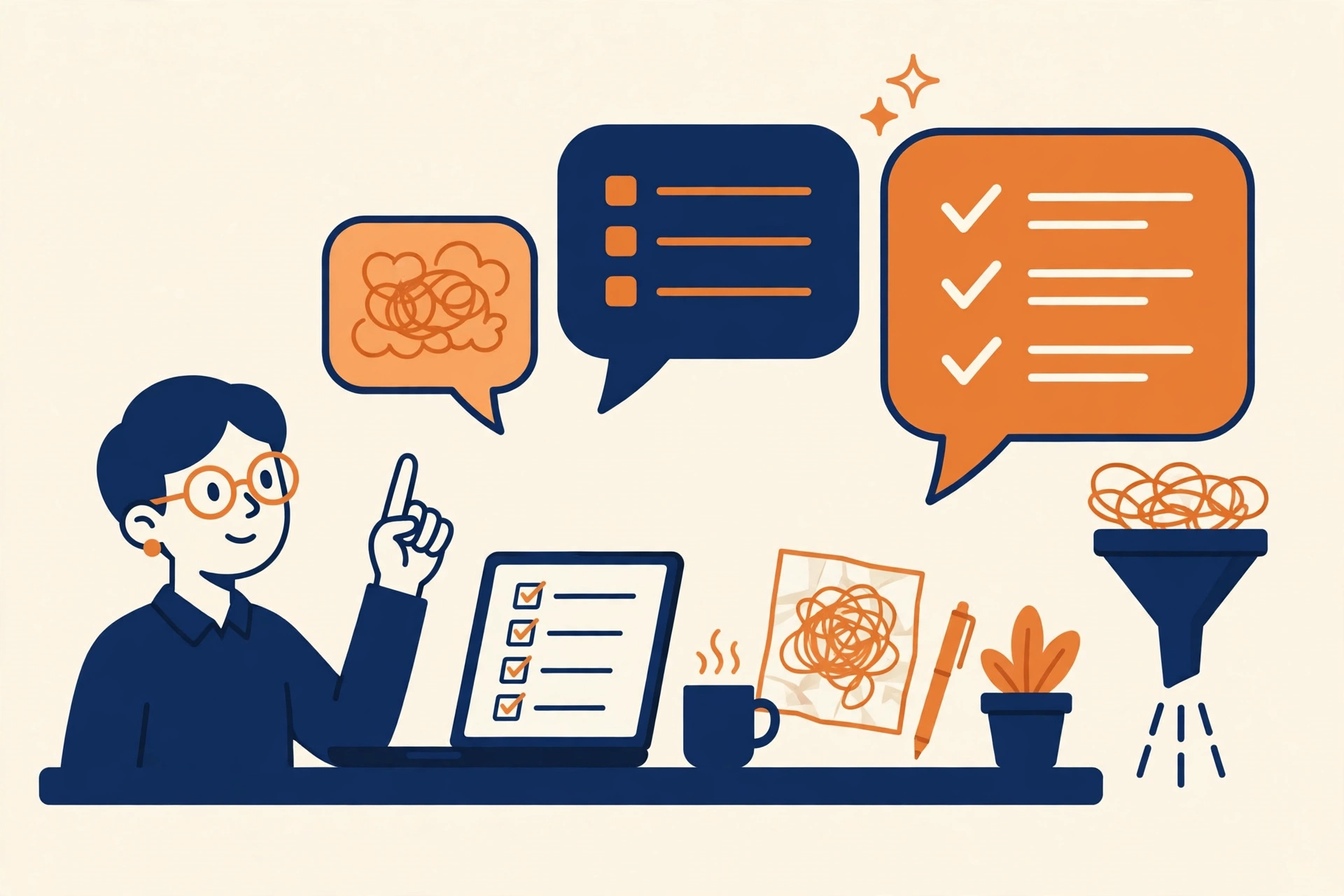
A person giving clear, tidy directions to a laptop, flat illustration

Editor’s Note: New post, October 2026. Research review: prompting guidance checked October 17, 2026 against published 2026 prompt guides and official-style prompting advice. No hands-on testing was needed for this piece. Key Takeaways Name the job, the reader, and the shape of the answer. Those three lines fix most weak prompts. Show one short example … Read more
How to Back Up Your Google Drive Automatically

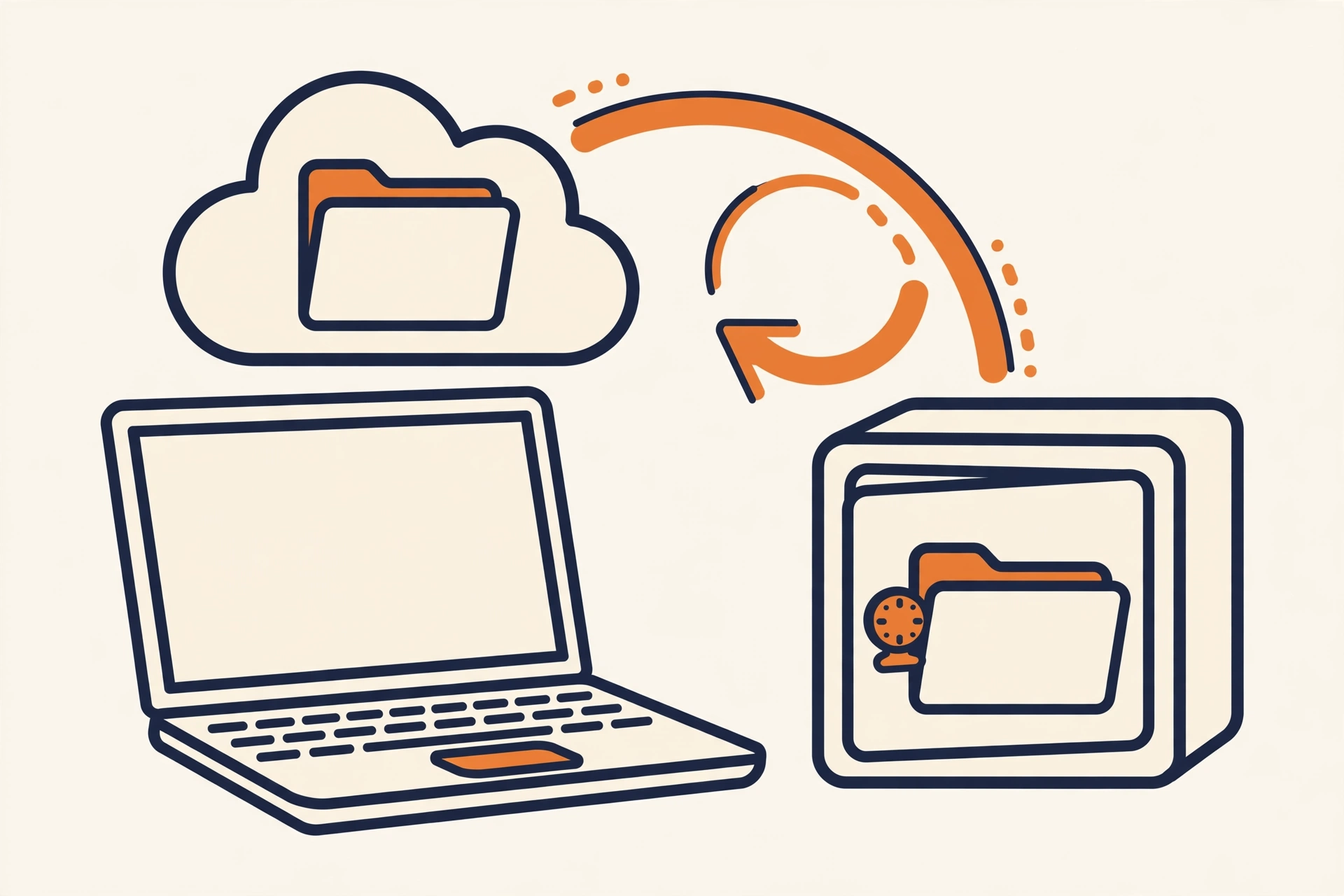
back up google drive automatically featured

Editor’s Note: New post, October 2026. Steps checked October 15, 2026 against Google Drive Help. Research review: steps verified October 15, 2026 against Google’s official Drive for desktop and Takeout documentation. No hands-on setup was done for this piece. Key Takeaways 1. Turn on Mirror files in Drive for desktop, so a full copy of … Read more

How to Use Perplexity as Your Default Search Engine

Flat vector illustration of a browser window with an orange magnifying glass over the address bar

Editor’s Note: New post, October 2026. Steps checked October 11, 2026. In a sentence: You can make Perplexity your default search engine in about five minutes by adding one custom URL in your browser’s settings, so every question you type in the address bar gets an answer instead of a link list. Plain-English Verdict If … Read more

How to Find (and Cancel) the Subscriptions You’re Still Paying For

Flat vector illustration of scissors cutting through a stack of subscription cards with coins beside them

Editor’s Note: This guide is current as of October 2026. Facts checked October 9, 2026. In a sentence: A thirty-minute subscription audit, three months of statements plus five minutes in your phone’s settings, finds the forgotten charges that surveys say cost the average person over $200 a month. Plain-English Verdict Here is the short version: … Read more

How to Back Up Your Phone Photos Automatically (2026)

Flat vector illustration of a navy smartphone sending orange photo frames into a navy cloud on a cream background.

Evidence label: Research review. Steps and prices follow Apple’s and Google’s official docs and 2026 pricing pages, verified October 7, 2026. No walkthroughs were done; nothing here is a claimed test. Plain-English Verdict: Yes, turn it on today. On an iPhone, open Settings, tap your name, go to iCloud > Photos, and flip on “Sync … Read more

How to Organize Google Drive So You Can Find Anything

Flat illustration of three tidy navy file folders with a small orange folder sliding into place and a magnifying glass beside them.

Editor’s Note: First published October 2026. Evidence: Research review — a step-by-step guide written from Google’s own documentation and current Google One plans. No testing claims here; just the method, in order. Plain-English Verdict: Here’s how to organize Google Drive in one sitting: five folders, a file-naming habit that takes five extra seconds, and a … Read more

How to Make Clients Pay Faster with Automatic Invoice Reminders

Flat illustration of an envelope with an invoice inside and a small bell nudging it — a gentle payment reminder.

Evidence: Research review — we compared reminder features and pricing on official pages and reputable roundups on October 3, 2026. No hands-on trial for this one; where a default setting wasn’t publicly documented, we say so instead of guessing. Plain-English Verdict: Most late invoices aren’t clients being rude — they’re clients being busy. Automatic reminders … Read more

How to Set Up a Free Booking Page with Cal.com

featured calcom booking

Here’s what it does in one sentence Cal.com gives you a personal booking page — a link you send to anyone, they pick a time that suits them, and it lands on your calendar automatically. No more “does Tuesday work for you?” email chains. Plain-English Verdict: Cal.com’s free plan is genuinely free forever for one … Read more

How to Move Your Notes from Evernote to Notion

featured evernote to notion

Here’s what it does in one sentence Notion has a built-in importer that pulls your Evernote notebooks straight in — you connect the two accounts, pick your notebooks, and Notion does the heavy lifting while you make coffee. Plain-English Verdict: Don’t export anything by hand — Notion’s official importer pulls your notebooks straight from your … Read more