Research review: free-tier limits and pricing verified Oct 12, 2026 against official pages and dated comparisons. No hands-on walkthrough was done for this piece.
Imagine you rent a storage unit across town and then discover a closet door in your house that opens straight into it. You can reach in and grab a box any time. That is what is cloud storage, explained simply: your files live in a building you will never visit, on computers you do not own, and they show up on your phone as if they were stored there all along.
In a sentence: Cloud storage is renting space on someone else’s computers to hold your files, and reaching them over the internet whenever you want.
Plain-English Verdict
Cloud storage is not a cloud. It is a warehouse of computers, owned by Apple, Google, or Dropbox, that holds copies of your stuff. You already have some for free. Read this before you pay: the fine print about prices and exit plans is what actually matters.
What “the cloud” actually is
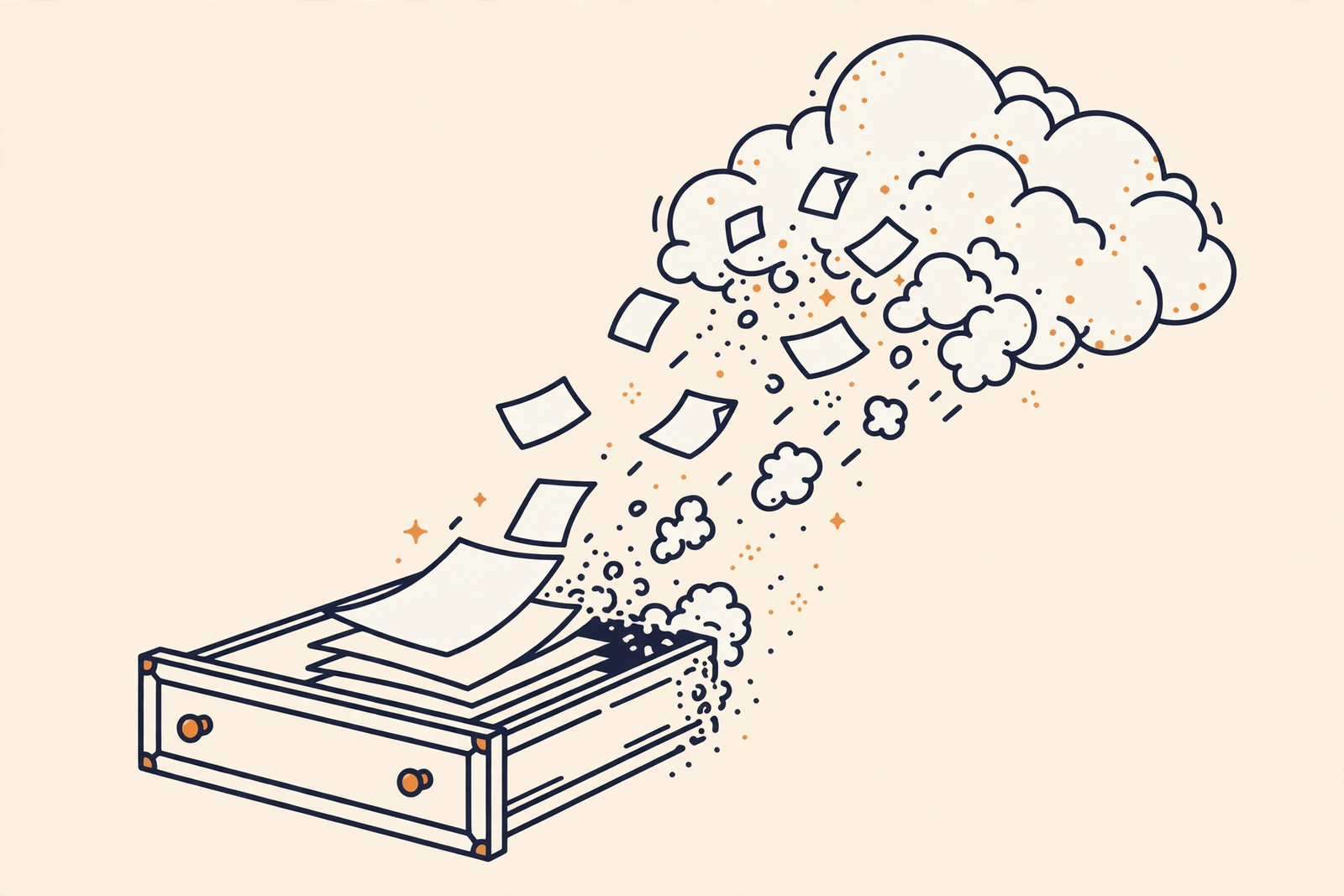
The cloud is a marketing word for “someone else’s computer.” When you save a photo to iCloud or Google Drive, your phone sends a copy over the internet to a building full of servers, and the company keeps spare copies in case a hard drive dies. Nothing mystical is happening.
Jargon Decoder
The cloud means your files are stored on a company’s computers instead of your own. Sync means the company keeps the same copy of a file on all your devices, so a change on your phone shows up on your laptop.
The three you probably already have
If you have an Apple ID, a Google account, or a Dropbox account, free cloud storage is sitting there right now:
| Service | Free tier | First paid tier |
|---|---|---|
| iCloud | 5GB | iCloud+ 50GB at $0.99/month |
| Google Drive (Google One) | 15GB, shared across Gmail, Drive, and Photos | 100GB at $1.99/month ($19.99/year) |
| Dropbox | 2GB | Plus (2TB) from $11.99/month |
These free tiers have barely changed in years. Apple’s 5GB has been the limit since iCloud launched in 2011 and fills up fast once photos and backups are on. Google’s 15GB is the most generous, but it is one bucket for email, drive, and photos, so a full inbox eats into photo room. Dropbox’s 2GB suits documents and nothing bigger.
Apple lists its full iCloud+ plans and pricing on its support page, and Google publishes Google One plans on its site. Check both before you spend a cent.
Three things to check before trusting one
1. The price of more room
Free tiers are a sample, not a home. Once your photos outgrow the free slice, the provider nudges you toward a monthly plan, and that plan is rent you pay forever. A 100GB plan at $1.99 a month is $23.88 a year, every year. Fine and fair, but go in with your eyes open.
2. Your exit plan
Before you upload your life to a service, ask how you get it back out. Google’s Google Takeout tool downloads everything at once. Apple lets you download your iCloud data from your account page. Check the exit before you need it.
3. What happens when you stop paying
Cancel a paid plan and you drop back to the free tier; new uploads stop. Your existing files generally stay put for a while, but both Apple and Google reserve the right to delete excess data eventually, after warnings and grace periods. The details are in each company’s terms. The short version: cloud storage is a landlord, not a friend, so keep a copy of anything irreplaceable somewhere you control too. Our guide to backing up your phone photos automatically covers one way to do that.
Who should care
Honestly, almost everyone with a phone. Your photos, documents, and device backups are probably already flowing into one of these services. If you settle on Google Drive, our guides to backing up phone photos automatically and organizing Google Drive will help you stay free longer.
Frequently asked questions
Is cloud storage safe?
Reasonably. Big providers encrypt your files and keep multiple copies. But “safe” is not “private”: the company holds the keys, so skip storing anything you would be devastated to see exposed.
What happens to my files if I stop paying?
Your account drops to the free tier, uploads stop, and your files generally stay accessible for a while. Both companies warn they can eventually delete data over the free limit, so download anything important before you cancel.
Do I still need a backup if I use cloud storage?
Cloud storage is a copy, not a guarantee. Syncing means a deleted file can be deleted in the cloud too. Keep one more copy of anything irreplaceable, on an external drive or a second service.
Can I get to my files without the internet?
Only the ones your device has already downloaded. Files that live only in the cloud need a connection. Most apps let you mark important files to keep on your device.
Method: Research review (no hands-on testing). Cross-checked against Apple’s iCloud+ plans and pricing page, Google One’s plan page, and dated 2026 pricing comparisons from DragApp, Mac Observer, and Internxt. Checked October 12, 2026.
Corrections: Spotted an error? Tell us: we fix mistakes publicly and date them.
Prices: US list prices; verify before buying.
Source: Apple Support: iCloud+ plans and pricing