
Evidence: Research review — we compared reminder features and pricing on official pages and reputable roundups on October 3, 2026. No hands-on trial for this one; where a default setting wasn’t publicly documented, we say so instead of guessing.
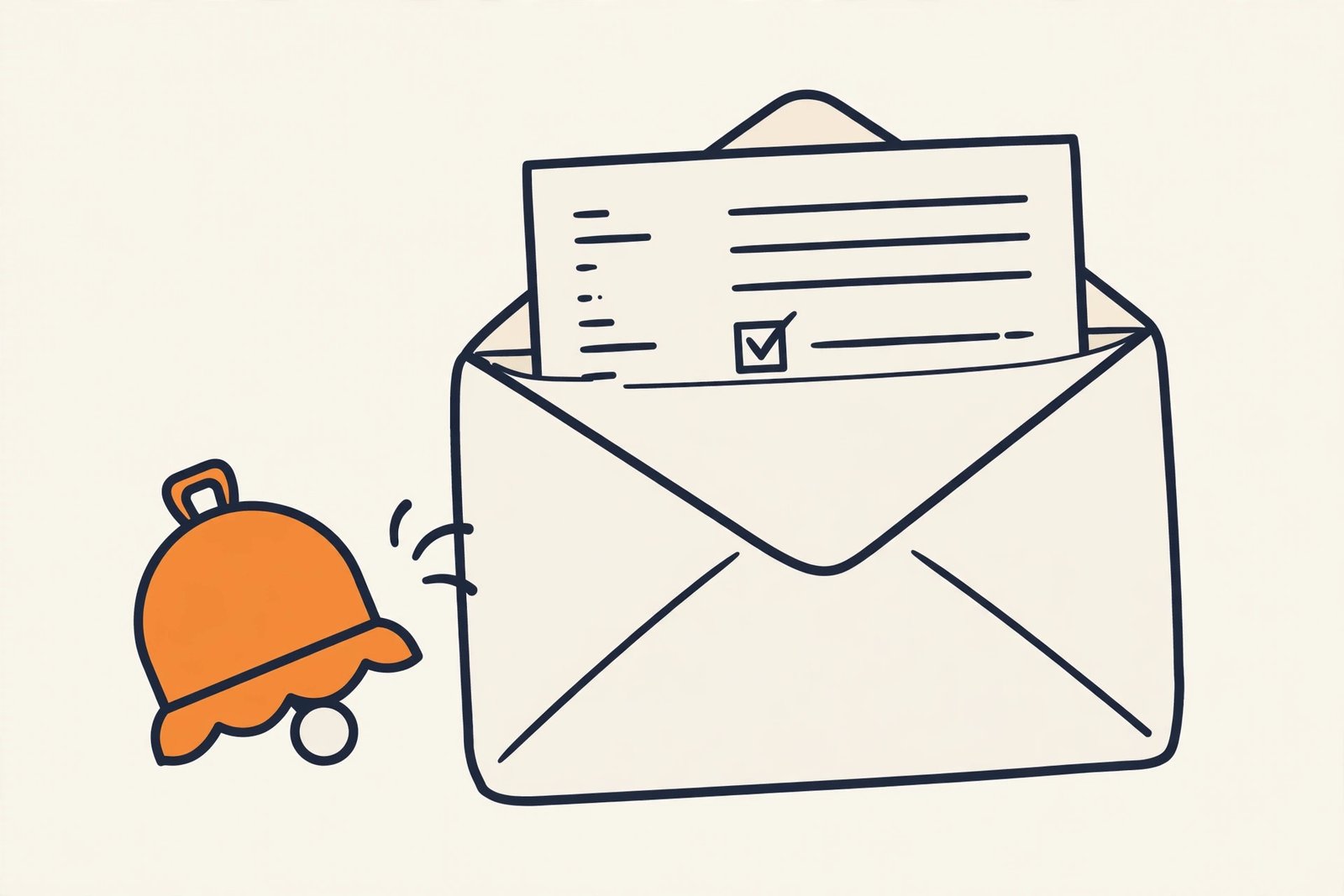
Plain-English Verdict: Most late invoices aren’t clients being rude — they’re clients being busy. Automatic reminders fix that without a single awkward email from you. Zoho Invoice sends them on its free tier; FreshBooks and QuickBooks need a paid plan; Wave’s free tier only does manual reminders. Set it up once and every future invoice chases itself.
And if you need the invoice itself, our free Invoice Generator makes a clean one in your browser, no signup.
Here’s the number that sells it: according to Intuit data reported by Digital Trends in 2026, businesses using automated invoice reminders get paid up to 5 days faster than those sending standard follow-ups. That’s vendor data, not an independent study, but even half of it is real money arriving a week earlier. Let’s do this together. Twenty minutes, five steps.
Step 1: Pick your tool (5 minutes)
Not every invoicing app sends reminders by itself. Here’s the honest breakdown, verified October 2026:
| Tool | Automatic reminders? | What it costs |
|---|---|---|
| Zoho Invoice | Yes, on the free tier | $0, forever (up to 5 clients, 500 invoices/year) |
| FreshBooks (Lite) | Yes, up to 3 per invoice, scheduled before or after the due date | $23/mo list (currently $1/mo for the first year as a promo) |
| QuickBooks Simple Start | Yes, up to 3 per invoice, plus automatic late fees | $19/mo promo, $38/mo list |
| Wave (Starter) | No, reminders are manual on the free tier | $0 (automatic reminders need Wave Pro at ~$16–20/mo) |
If you’re starting from zero, pick Zoho Invoice. Free, and automatic reminders are included. If you already invoice through FreshBooks or QuickBooks, stay where you are — just turn the feature on.
Quick check: you should now know which app you’re setting this up in. That’s the only decision in this whole guide.
Step 2: Set the three-reminder schedule (5 minutes)
Here’s the part everyone misses: one reminder isn’t a system. You want three, and the timing matters more than the wording.
- 3 days before the due date, “Just a heads-up, this is due Thursday.” This one catches the busy people before they’re late. It feels helpful, not naggy, because it is.
- On the due date, “This is due today.” Short. Factual. No apology for asking to be paid.
- 7 days after the due date, “This is now a week overdue.” Firmer. Still polite. This is the one that actually moves money.
In FreshBooks and QuickBooks you can schedule each reminder a chosen number of days before or after the due date, with your own wording. In Zoho Invoice you get full control over when reminders go out, with customizable templates. (Exact default day-counts vary and aren’t all publicly documented, so set yours deliberately rather than trusting defaults.)
If your tool only allows post-due reminders, Wave’s automatic reminders kick in only after the due date, the schedule still works. It’s just missing the friendly heads-up. Something to know before you commit.
Step 3: Write the one template (5 minutes)
You need exactly one reminder message, slightly adjusted per stage. Write it once, reuse it forever. Here’s ours, steal it:
Subject: Invoice #1234, due Thursday
Hi [name],
Quick heads-up: invoice #1234 for $[amount] is due on [date]. You can pay it here: [payment link]
Let me know if anything looks off, happy to fix it.
Thanks,
[your name]
That last line, “let me know if anything looks off”, is doing quiet work. Some “late” payments are actually disputed invoices nobody told you about. This line flushes those out early.
Prompt Station: write your own in 30 seconds
Paste this into ChatGPT or Claude and it’ll draft all three versions in your voice:
Write 3 short invoice reminder emails for a freelancer:
1. A friendly heads-up sent 3 days before the due date.
2. A brief notice sent on the due date.
3. A firm-but-polite follow-up sent 7 days after the due date.
Tone: professional, warm, zero guilt-tripping. Each under 80 words.
Include placeholders for [client name], [invoice number], [amount], [due date], and [payment link].
Open in ChatGPT · Open in Claude
Swap in your details, and you’re done with the hard part.
Step 4 (optional): Turn on late fees (3 minutes)
If your tool supports it, FreshBooks Lite and QuickBooks Simple Start both do, set a small automatic late fee: either a flat amount or a percentage, kicking in a set number of days after the due date. You may never need it. Its real job is psychological: invoices with a stated late fee get prioritized. Tell clients about it upfront on the invoice itself, not as a surprise later.
Step 5: Test it on yourself (2 minutes)
Before this goes live on real clients: send a test invoice to your own email, trigger the reminder schedule, and read what arrives. Check the payment link works and your name is spelled right. Future you will be grateful.
Quick check: send the test, confirm the reminder lands in your inbox looking professional. Done, your invoices now chase themselves.
What to do next
If this is your first system around getting paid, the next one worth building is the invoice itself: clear payment terms, a due date on every invoice (net-15 beats net-30 for freelancers), and one accepted payment method with no friction. Our roundup of the best invoicing software for freelancers in 2026 compares the tools head to head, and FreshBooks vs. Wave digs into the two most popular picks.
FAQ
Will automatic reminders annoy my clients? No, if the tone is right. A heads-up before the due date reads as helpful. What annoys people is a passive-aggressive “just circling back!!!” email you clearly agonized over. Automation removes the awkwardness for both sides.
What if a client still doesn’t pay after all three reminders? Then it’s a phone call, not a fourth email. Reminders handle forgetfulness; they don’t handle avoidance. After the third reminder, pick up the phone — it resolves in minutes what email can’t.
Is there really a free way to do this? Yes: Zoho Invoice’s free tier includes automated reminders (up to 5 clients and 500 invoices a year). That’s plenty for most solo freelancers.
Sources: Reminder-feature and pricing details verified October 3, 2026 from official pricing pages and reputable roundups (FreshBooks pricing page, Zoho Invoice feature docs, QuickBooks Solopreneur/Simple Start pricing coverage). The “up to 5 days faster” figure is Intuit vendor data reported by Digital Trends (2026), useful as a vendor stat, not an independent study. We didn’t click through any signup flows for this piece, so it’s a guide, not a hands-on review.
Spotted something out of date? We correct articles the same day with a dated note — just tell us.
2 thoughts on “How to Make Clients Pay Faster with Automatic Invoice Reminders”