
Editor’s Note: First published October 2026. Evidence: Research review — a plain-English explainer written from official product documentation and current free-tier plans.
Plain-English Verdict: A CRM is a contacts list that nags you helpfully — it remembers every client, every conversation, and who you forgot to follow up with. If you have fewer than about 10 active clients or customers, your phone contacts and a spreadsheet are a perfectly good CRM. Cross that line and start forgetting follow-ups, and it’s time to get a real one, several good ones are free.
What we actually did: We read the current free-tier pages for the most-mentioned CRM tools and wrote the explanation we’d give a friend over coffee. No hype, no affiliate links, we earn nothing if you sign up for anything here.
Here’s what it does in one sentence: a CRM (Customer Relationship Management) system keeps track of everyone your business talks to, so opportunities stop slipping through the cracks. The $100-billion CRM industry is, at its core, a very organized address book with a memory.
The 30-second version
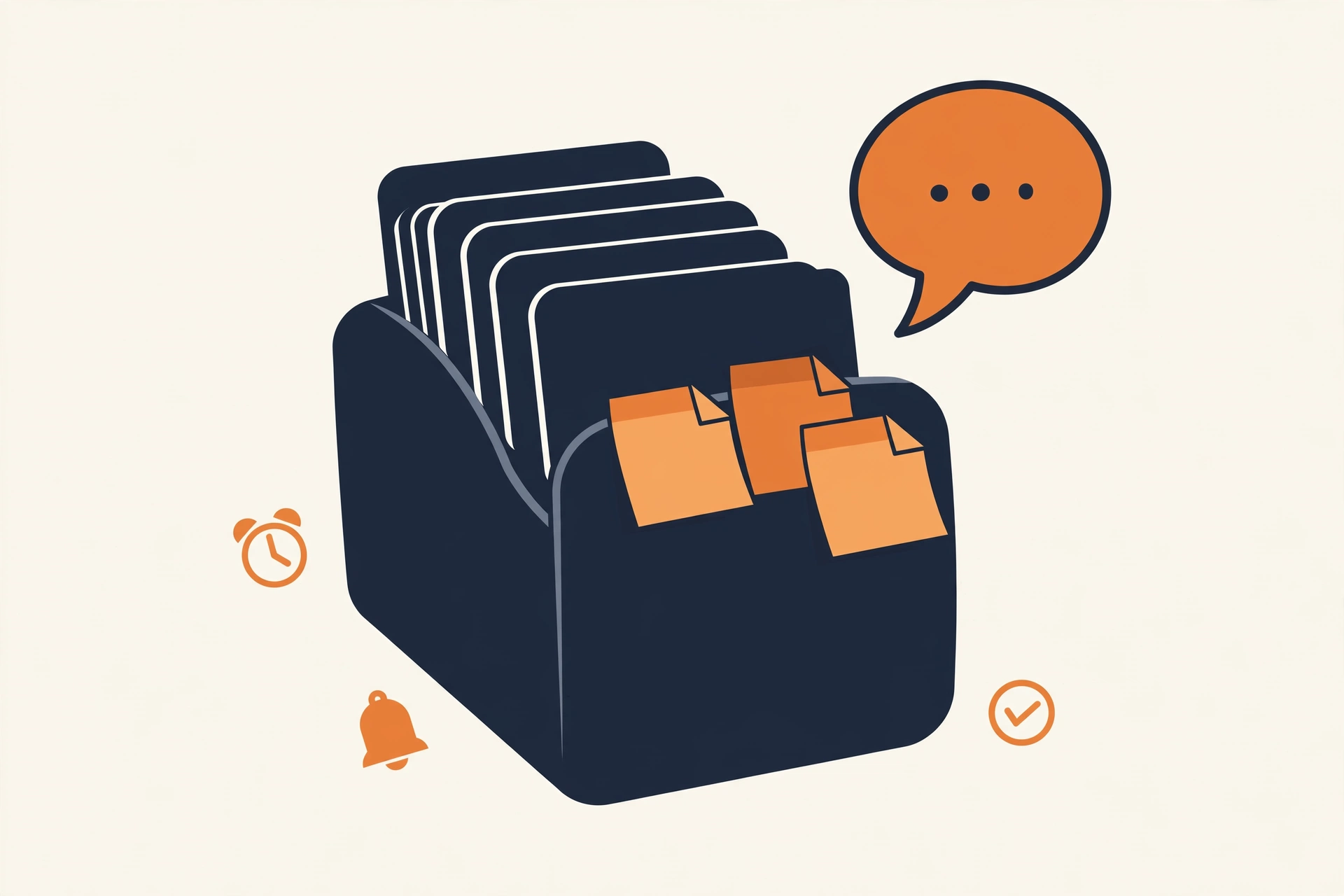
Say you run a small design studio. A potential client says “send me a proposal next week.” Next week arrives, you’re buried, and by the time you remember, they’ve hired someone else. A CRM is the thing that would have tapped you on the shoulder Tuesday morning and said: “Hey. Proposal. Remember?”
It stores each person’s details, every conversation you’ve had with them, where things stand (“sent proposal,” “waiting on reply”), and what to do next. Instead of all of that living in your head, your inbox, and three sticky notes, it lives in one searchable place.
Jargon Decoder: “Pipeline” just means: the lineup of potential deals, from first hello to signed contract. Salespeople visualize it as a pipe because deals flow through it — or get stuck in it.
What a CRM actually does for you
Strip away the marketing and a CRM does three jobs: remembers people (contact details and how you met), remembers conversations (every email and call attached to the right person, in order), and reminds you what’s next (follow up with Priya on Friday, the nagging part, and we mean that as a compliment). Some also show the big picture: how many potential clients you’re talking to and where each one stands.
If you want the follow-ups to fire themselves, that’s where automation tools come in, connecting your CRM to your email and calendar.
The 10-client rule: do you need one?
Here’s our honest test. You probably don’t need a CRM if:
- You can name every active client from memory
- Follow-ups happen on time because there just aren’t that many
- Your “system” is contacts + calendar + a spreadsheet, and it’s working
You probably do need one if:
- You’ve ever lost a deal because you forgot to follow up (be honest)
- Client details live in five different places
- You’re growing and the sticky-note system is starting to smell like smoke
The crossover point is roughly 10 active clients or ongoing conversations. Below that, a spreadsheet is a fine CRM and anyone telling you otherwise is selling something. Above that, the mental overhead starts costing you real money in forgotten follow-ups.
The free options are genuinely good
The part the industry doesn’t advertise: the free tiers are excellent.
- HubSpot CRM, free for unlimited users: contact management, email tracking, deal pipelines. The catch: marketing automation and fancy reports cost real money. But the free CRM itself is legitimately free.
- Zoho CRM, free for up to 3 users with the core features. Good for a tiny team that wants room to grow in one ecosystem.
- Your spreadsheet, free forever, zero learning curve. Add a “next follow-up” column and a weekly review, and you’ve built 60% of a CRM.
Start free. Pay only when you’ve outgrown the free tier’s limits and the pain costs more than the subscription.
Running solo? We’ve compared the top free picks in our guide to the best free CRM for a one-person business.
The bottom line
A CRM is a contacts list with a memory and a conscience. It won’t find you customers or fix a business that doesn’t follow up, it’s a memory aid, not a sales team, and anyone promising otherwise is selling the sizzle. If you’re juggling enough relationships that things are slipping, get one, the free tiers are good enough to start today. If you’re not there yet, enjoy the spreadsheet years. They’re simpler, and simple is underrated.
Your next step: count your active client conversations. Under 10? You’re fine. Over 10 and things are slipping? Move your contacts into one free CRM this weekend. That’s the whole project.
Method: Research review (no hands-on testing). Cross-checked against HubSpot’s and Zoho’s official pricing pages (free-tier details). Checked October 2026.
Corrections: Spotted an error? Tell us — we fix mistakes publicly and date them.
Prices: US list prices; verify before buying.
Frequently asked questions
What does CRM stand for?
Customer Relationship Management. It’s software for tracking everyone your business talks to — clients, leads, partners — and making sure follow-ups don’t fall through the cracks.
Is a CRM the same as a contacts list?
A contacts list is where a CRM starts. The difference: a CRM also tracks every conversation, reminds you what to do next, and shows where each relationship stands. Think of it as a contacts list that nags you helpfully.
How much does a CRM cost?
Anywhere from $0 (HubSpot’s and Zoho’s free tiers, or a spreadsheet) to $25–$100+ per user per month for the paid plans. Most small businesses never need to leave the free tier.
Can I just use a spreadsheet as a CRM?
Yes — up to about 10 active clients. Add columns for last contact, next follow-up, and deal stage, and review it weekly. When that weekly review starts taking longer than the follow-ups, upgrade.

4 thoughts on “What Is a CRM? (And Do You Need One?)”