Editor’s Note: New post, October 2026. iCloud+ prices checked October 18, 2026 on Apple’s official support page.
Research review: storage behaviour and prices verified October 18, 2026 against Apple’s official iCloud+ pricing page and Apple’s published guidance on iCloud Photos and device storage. No hands-on walkthrough was done for this piece.
Why does my iPhone say storage is full when I pay for iCloud and iCloud has space?
Because your phone and iCloud are two different cupboards, and a bigger cloud cupboard does not empty the one in your hand. iCloud mostly mirrors your phone, so a full phone stays full until you turn on the setting that keeps smaller copies on the device, or remove things stored safely elsewhere.
In a sentence: iCloud sync keeps the same library on every device, which is handy, but a mirror is not a backup, and a mirror cannot free space on a full phone by itself.
Plain-English Verdict
Think of iCloud like a bathroom mirror. It shows the same face in two places, but shaving the reflection does nothing. Delete a photo on your phone with iCloud Photos on, and you delete it everywhere: there was only ever one library. To free space safely, turn on Optimize iPhone Storage, check what is stored on the phone, and only then clean up.
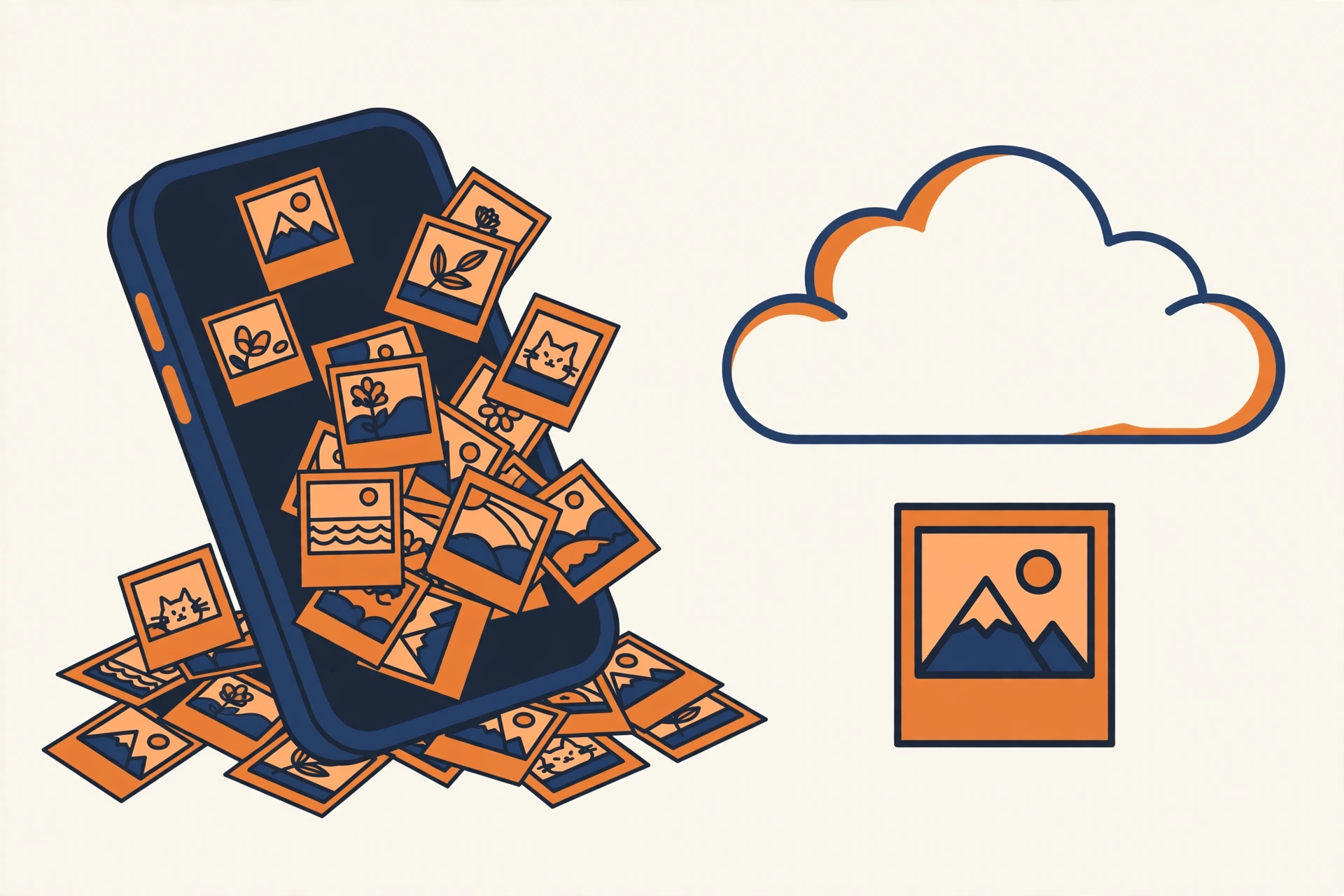
Here is the analogy that makes it click. Your phone’s storage is a kitchen counter. iCloud is a pantry down the hall. Buying a bigger pantry does not clear the counter. For photos, the clearing only happens when you tell the phone it may keep smaller copies at home and full-size originals in the pantry. That setting is called Optimize iPhone Storage, and many full phones never had it switched on.
The two cupboards, in plain words
Device storage is the space inside your phone: 128 GB, 256 GB, or whatever you bought. iCloud storage is space on Apple’s computers that you rent by the month: 5 GB free, then paid plans from 50 GB up. The two numbers never add together. A 128 GB phone plus a 200 GB iCloud plan is not a 328 GB phone. It is a 128 GB phone with a roomy pantry, and the counter can still fill up.
Jargon Decoder
“Sync” just means: keeping copies in step, so a change in one place appears in the other. “Backup” means: a separate safety copy that survives a deletion. Sync is a mirror. Backup is a spare key. iCloud Photos gives you the first, not the second.
What Optimize Storage actually does
With iCloud Photos on and Optimize iPhone Storage selected, full-size originals live in iCloud and the phone keeps smaller versions. Tap a photo and the full version downloads in a moment. With Download and Keep Originals selected instead, every full-size photo sits on the phone too, and a big library fills the phone no matter how large your iCloud plan is. Find the choice at Settings, your name, iCloud, Photos. This one setting answers most “storage full but I pay for iCloud” mysteries.
The safe cleanup order
- Check what is local first. Settings, General, iPhone Storage lists what takes room on this phone, biggest first. Do not guess.
- Turn on Optimize iPhone Storage if it is off, and give it time on Wi-Fi. Space frees gradually, not instantly.
- Look at screenshots and screen recordings. They pile up quietly and are rarely keepers.
- Check big apps and downloads. Offline video and podcast downloads are frequent hidden tenants. Removing a download deletes neither your account nor your purchases.
- Empty Recently Deleted last, only when sure. Deleted photos sit there about 30 days as a safety net. Emptying it frees space for real, and removes the safety net for real. That is why it comes last.
One warning: never delete photos from your phone “because they are in iCloud” while iCloud Photos is on. That deletion syncs too. For a true second copy before a big cleanup, copy the library to a computer first. Related: What Is Cloud Storage, Actually? and How to Back Up Your Phone Photos Automatically.
What iCloud costs, if space in the cloud really is the problem
| iCloud plan (US) | Price |
|---|---|
| 5 GB (free) | $0 |
| 50 GB | $0.99/month |
| 200 GB | $2.99/month |
| 2 TB | $9.99/month |
| 6 TB | $29.99/month |
| 12 TB | $59.99/month |
Apple’s own US prices, checked October 18, 2026, billed monthly. Read the table second, not first. If your iCloud bar shows free space while the phone bar is full, a bigger plan buys you nothing. The fix is the Optimize setting and the cleanup order above, both free.
Frequently asked questions
If I delete a photo on my phone, is it still in iCloud?
Not when iCloud Photos is on. Deleting removes it from every synced device, and it sits in Recently Deleted for about 30 days before it is gone for good.
Does buying more iCloud storage free space on my phone?
No, not by itself. More cloud space only helps once Optimize iPhone Storage is on, so originals can live in the cloud and smaller copies stay on the phone.
What is the one-sentence rule to remember?
If deleting it in the app deletes it everywhere, it was never a backup. That was a mirror.
Method: Research review (no hands-on testing). Cross-checked against Apple’s official iCloud+ plans and pricing page, checked October 18, 2026.
Corrections: Spotted an error? Tell us — we fix mistakes publicly and date them.
Prices: US list prices; verify before buying.
Source: Apple Support: iCloud+ plans and pricing, checked October 18, 2026.