Editor’s Note: New post, October 2026.
Research review: definitions and reader options checked October 16, 2026 against published RSS explanations and reader documentation. No hands-on testing was needed for this piece.
What is RSS?
RSS is a simple way for a website to publish a list of its newest posts in a standard format that an app can check for you. You subscribe once in a reader app, and new posts from all your favorite sites arrive in one place, in order, with no algorithm deciding what you see.
In a sentence: RSS turns the websites you like into one personal newspaper that updates itself, so you never have to visit ten sites just to see if anything is new.
Plain-English Verdict
RSS is old, quiet, and still genuinely useful. It will not recommend anything, sell your attention, or hide a post because you did not tap fast enough. If you follow more than a handful of blogs or news sites, a free reader will save you time this week. If you only follow two or three sites, bookmarks are fine and RSS is extra setup for little gain.
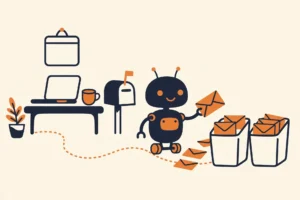
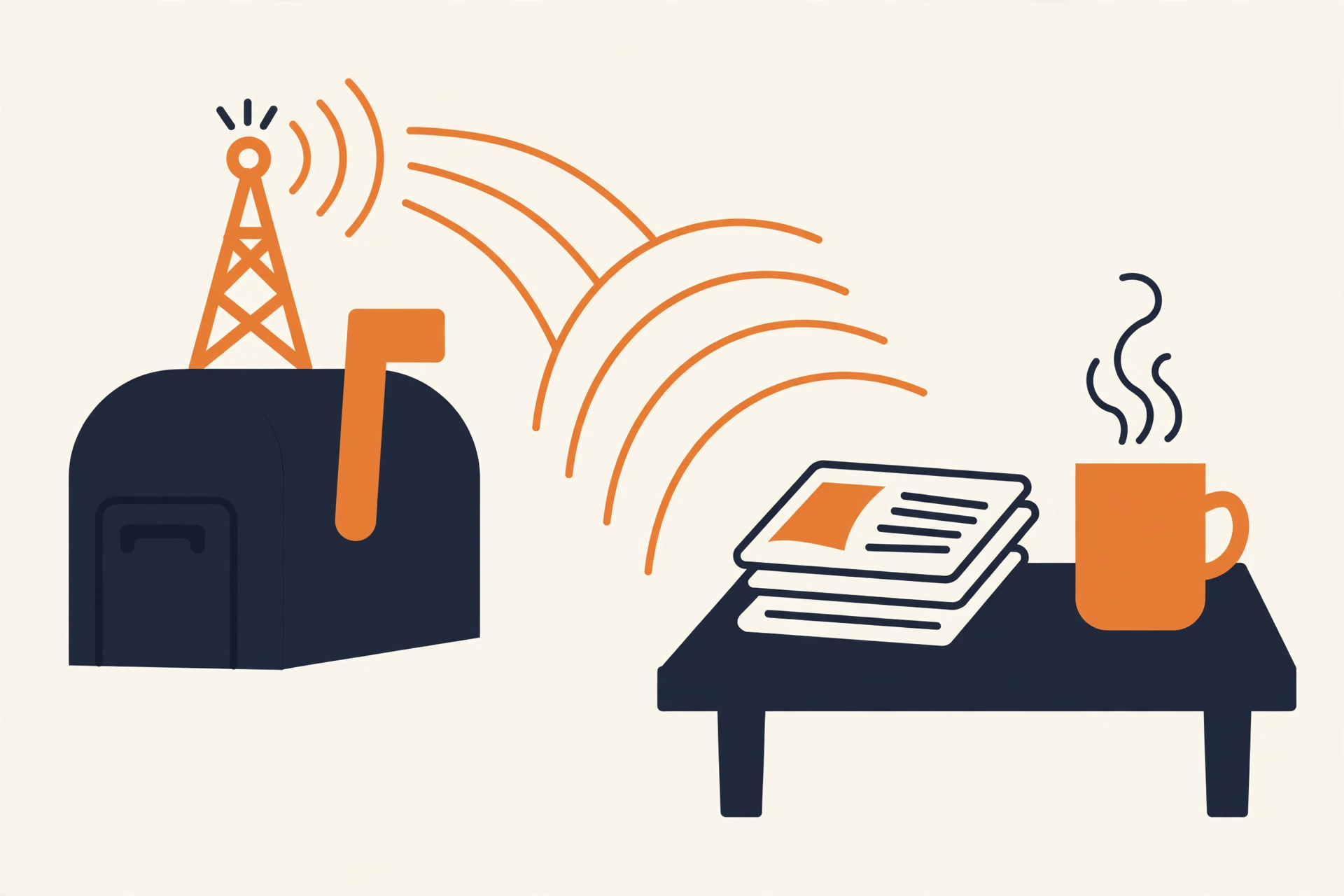
Think of it like a newspaper delivery route. Without RSS, you drive to every newsstand in town each morning to check whether a new issue is out. With RSS, the papers land in your mailbox. You still choose which papers to subscribe to. A small app, called a reader, does the driving and drops everything in one pile for you to read with coffee.
Jargon Decoder
RSS stands for Really Simple Syndication. Syndication just means republishing a list of updates in a standard way so other apps can pick it up. A feed is that list: headlines, summaries, dates, and links, updated whenever the site posts. A reader is the app that checks your feeds and shows you what is new.
How it actually works, in three steps
First, a website keeps a feed file. Every time the site publishes a post, that file gains a new entry with the title, a short summary, and a link. The site does this automatically; nobody types the feed by hand.
Second, you paste the site address, or its feed address, into a reader such as Feedly, Inoreader, or NewsBlur. Many sites show an orange RSS icon, and most readers can find the feed if you simply search for the site by name.
Third, your reader checks your feeds on a schedule and shows new entries in one list, newest first. You read the summary, tap through for the full post if it earns your time, and mark the rest as read. That is the whole system. There is no follower count and no feed ranking to learn.
Why it quietly survived social media
RSS was everywhere in the 2000s, then faded when Google closed its popular Reader app in 2013 and social timelines took over the job of finding things to read. It never actually died. Blogs still publish feeds, news sites still publish feeds, and podcasts are delivered through RSS to this day, even if your podcast app never says the word.
What it offers now is control. Your list is in the order things were published. Nothing is boosted because it made strangers angry. A small blog that posts twice a month never gets buried. That calm is the point, and your subscription list belongs to you: you can move it to another reader, the same exit-plan thinking we use for cloud storage.
The honest trade-offs
Some big platforms do not publish open feeds, because they would rather you scroll inside their own app. A few sites show only summaries, so you still tap through for the full piece. And a reader is one more app to set up. Start small: add five sites you miss when they go quiet, try it for two weeks, and delete it without guilt if you never open it. Tools should earn their place, a rule we also use in our explainer on AI agents.
Frequently asked questions
Is RSS free?
Yes. Feeds are free to subscribe to, and readers such as Feedly, Inoreader, and NewsBlur offer free plans that are plenty for personal use. Paid reader plans mostly add search, filters, and room for very large lists.
Do I need a special app to use RSS?
You need a reader app or a reader website, yes. That one app replaces the habit of visiting each site separately. Some email apps and browsers have reader features built in, but a dedicated reader is the clearest way to start.
Is RSS the same as a newsletter?
No, though they do a similar job. A newsletter arrives in your email inbox, one sender at a time, and subscribing hands that sender your email address. RSS arrives in your reader, all senders together, and subscribing hands nobody anything.
Method: Research review (no hands-on testing). Definitions checked against published RSS explanations and reader documentation for Feedly and other current readers. Checked October 16, 2026.
Corrections: Spotted an error? Tell us. We fix mistakes publicly and date them.
Source: RSS and Feedly setup guide (via Luan Wise), checked October 16, 2026.
Like plain-English explainers? Our newsletter rounds up the week’s posts every Saturday. Join here.